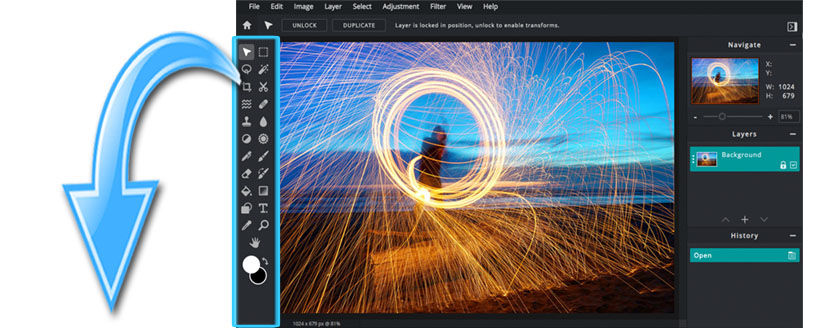
| LINKS BELOW ARE VIDEOS AND EXERCISES TO HELP YOU LEARN PIXLR E |

|
01. PIXLR Tutorial -overview of the toolbar and interface |
| 02. Toolbar Overview Part 1 (arrange, marquee select, lasso selects, crop, cutouts) |
| 03. Toolbar Overview Part 2 (push, enlarge, shrink, restore, heal, clone, blur sharpen) |
| 04. Toolbar Overvivew Part 3 (lighten, darken, vibrance, saturation, temperature) |
| 05. Toolbar Overview Part 4 (pen, draw, eraser, fill, shape, text, picker, zoom) |
| 06. Lesson: Combining 2 images on 1 background |
| 07. Lesson: Using the crop tool (this video starts part way through a longer lesson...) |
| 08. Lesson: Lighten / Darken an image |
| 09. Lesson: Make a selection & lighten & darken selection |
| 10. Lesson: Convert to black & white |
| Lesson: Repair dust & scratches |
| Profile page |
| |
| |
| |
| |
| |
| |
| |
| |
| |
| |
| |
| |
| |
| |
| |
| |
| |
| |
|